
Mapify
Mapify is an AI-powered mind mapping tool launched by Xmind, capable of summarizing content in multiple formats.
- Region
- Domestic
- Pricing
- Free + Paid
- Open source
- No
- Views
- 4
- Source
- AI-Bot
- Added
- 2026-06-11
- Last verified
- 2026-06-11
Overview
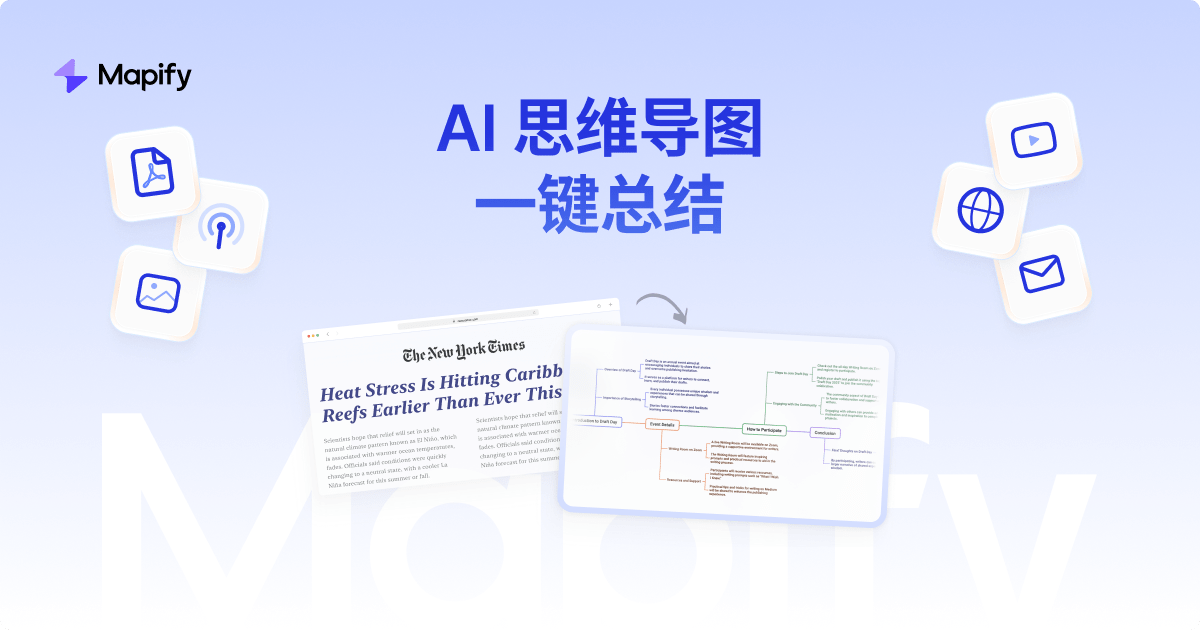
Mapify is an AI-driven mind mapping tool developed by Xmind that transforms PDFs, YouTube videos, web pages, and research papers into structured mind maps. Powered by large language models such as GPT and Gemini, it helps users quickly extract key information and generate visual summaries. Mapify supports various input formats including PDFs, videos, web pages, and podcasts, and offers one-click translation and automatic transcription features to help users understand and organize complex information. The tool is suitable for learning, work, and creative applications, aiming to enhance user efficiency and comprehension.
Key features
- ▪Supports content summarization across multiple formats
- ▪One-click mind map generation
- ▪Automatic transcription and translation features
- ▪Cross-platform synchronization
Use cases
Pros
- +Efficient information extraction
- +Multilingual support
- +Extensive customization options
- +Cross-platform usage
Limitations / notes
- -Requires internet connection
- -Some advanced features may be paid
Who it's for
This overview was compiled by AI from public sources and may contain inaccuracies — please refer to the official site.
FAQ
Is it free?
It offers a free trial; some advanced features may require payment.
Does it support Chinese?
Yes, it can translate into over 30 languages.
Can it be used commercially?
For specific commercial policies, please refer to the official website.
Do I need to use a scientific internet connection?
No, direct access is sufficient.
Similar agents
inkos
An AI Agent for automated novel writing, supporting multiple styles and creative formats.

酷宣AI
Kuxuan AI is an all-in-one AI content creation platform.

讯飞智文
Xunfei Zhiwen is an AI document generation tool launched by iFlytek.

TipKay
Tipkay is a practical AI content creation and operations platform offering a multi-Agent desktop client.
note-gen
A cross-platform Markdown AI note-taking application.

百度文库AI助手
An intelligent document assistant based on Wenxin Yiyan, offering a one-stop document processing service.
Something wrong? Let us know on the About page and we'll fix it.