WorkClaw
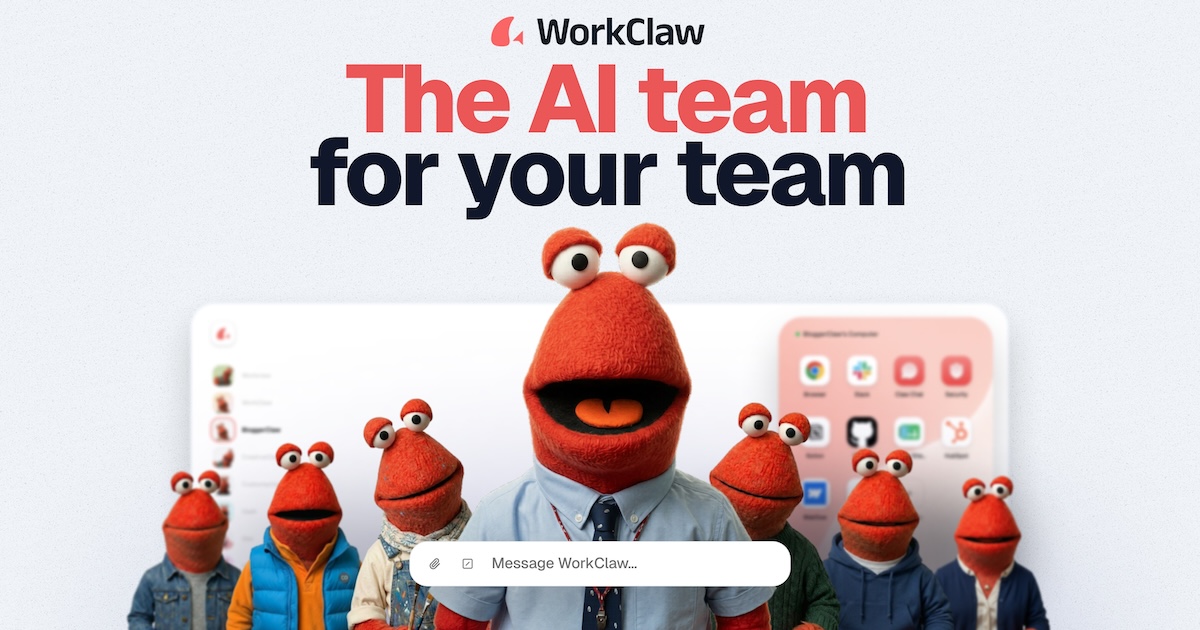
WorkClaw is a collaborative, proactive, and customizable AI team assistant designed for enterprise teams.
- Region
- Overseas
- Pricing
- Free + Paid
- Open source
- No
- Views
- 4
- Source
- TheresAnAIForThat
- Added
- 2026-06-10
- Last verified
- 2026-06-10
Overview
WorkClaw is an AI assistant platform built for enterprise teams. It helps teams accomplish real-world tasks such as research, scheduling, email drafting, follow-ups, reporting, and data entry. Each WorkClaw has its own virtual computer and can collaborate with other Claws via Slack, Teams, email, and over 3,000 applications. WorkClaw offers strong security features, including SOC 2 Type II certification, admin controls, and custom-built vaults. Users can transform their team’s workflows into custom skills through simple chat interactions and install pre-configured skill packs to get started quickly.
Key features
- ▪Highly collaborative with extensive tool integrations
- ▪24/7 automated task execution
- ▪Highly customizable
- ▪Built-in robust security safeguards
Use cases
Pros
- +Easy setup and usage
- +Supports integration with a wide range of applications
- +Offers free trial credits
- +Highly secure and compliant
Limitations / notes
- -Requires internet connection
- -Higher learning curve
Who it's for
This overview was compiled by AI from public sources and may contain inaccuracies — please refer to the official site.
FAQ
Is it free?
It offers a free trial, after which payment is required.
Do I need scientific internet access?
No, but an internet connection is required.
Does it support Chinese?
Not explicitly mentioned; may not be supported.
Can it be used commercially?
Yes, it is specifically designed for commercial use.
Similar agents
n8n
FeaturedAutomation + AI Agent workflows, open source
Simular AI
Desktop/Computer Automation Agent
Skyvern
Visual + LLM automated web workflows, open-source
Browser Use
An open-source tool that enables LLMs to control browsers
Proxy
General Web Task Agent
MultiOn
Autonomous Web Agent
Something wrong? Let us know on the About page and we'll fix it.